
Make Your Google Ads Campaigns More Effective
Are you paying for clicks that never turn into customers? Negative keywords in Google Ads help you stop that waste. In simple words, they tell Google which searches you do not want your ads to show for. Let us understand how they work in an easy way.
Understanding Negative Keywords
When you run Google Ads, you choose keywords that match what your customers search for. But Google can also show your ad for searches that look similar and are not useful for you. This is where negative keywords come in.
If you want to know what is negative keywords in google ads, think of it as a “do not show” list. Any word you add to this list will stop your ad from appearing when someone types that word in a search.
Why Negative Keywords Matter
Every click in Google Ads costs money. If the wrong people click your ad, your budget goes down but your sales do not go up. Here is how negative keywords help.
Save Your Budget
You stop paying for clicks from people who were never going to buy from you.
Get Better Leads
Your ads reach people who are really looking for what you offer, so more of them become customers.
Improve Ad Performance
A higher click-through rate and better quality score can help lower your cost per click over time.
Types of Negative Keyword Match
Just like normal keywords, negative keywords also have match types. Each one works in a different way, so choose carefully.
Broad Match
Your ad will not show if the search has all your negative words in any order. For example, the negative keyword "red shoes" blocks "shoes red" but may still allow "red sports shoes".
Phrase Match
Your ad will not show if the search has your words in the same order. Other words can come before or after the phrase.
Exact Match
Your ad will not show only when the search is exactly your negative keyword, with no extra words.
How to Find Negative Keywords
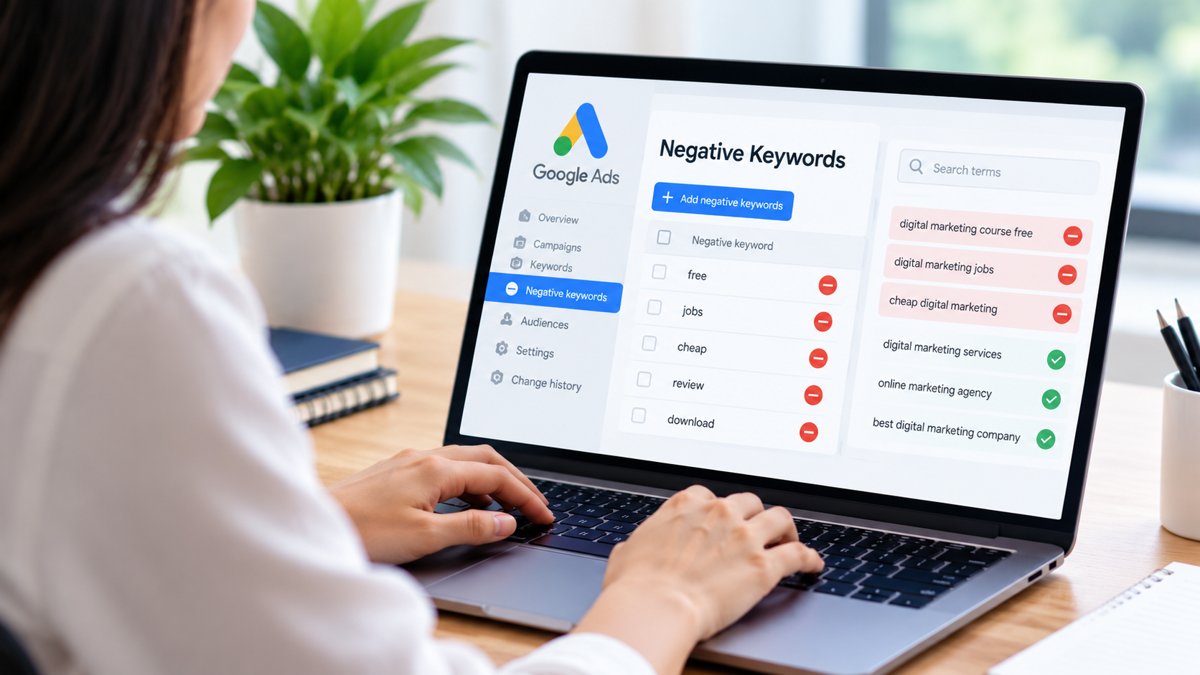
You do not have to guess. Your campaign already has the data you need. Follow these simple ideas to build a strong list.
- Check the search terms report. It shows the real searches that triggered your ads. Pick the ones that do not fit your business.
- Think about what you do not sell. If you sell premium products, words like "cheap" or "free" may not suit you.
- Remove job and study searches. Words like "jobs", "salary", "course" or "PDF" often bring people who are not buyers.
- Review your list often. Search habits change, so check your search terms every week or two.
Where to Add Negative Keywords
You can add negative keywords at two levels in your account. At the campaign level, the words apply to the whole campaign. At the ad group level, they apply only to that one group. You can also create a shared negative keyword list and use it across many campaigns, which saves a lot of time.
Many beginners ask about negative keywords in google ads because a small list added at the right level can quickly make a campaign cleaner and more profitable.
Common Mistakes to Avoid
- Blocking too much. If you add very broad words, you may stop your ad from reaching good customers.
- Mixing up match types. Using the wrong match type can block searches you actually want.
- Never checking the list. An old list can slowly hurt your results without you noticing.
- Adding a word that is also your keyword. This can stop your own ads from showing at all.
Improve Your Campaigns with Digi Milestone
At Digi Milestone, we understand the importance of reaching the right audience through paid advertising. Choosing relevant keywords and excluding unwanted searches can help businesses manage their campaigns more effectively. Learning how to use negative keywords in Google Ads can help you understand search intent, reduce irrelevant traffic, and make better use of your advertising budget. Whether you are new to Google Ads or already managing campaigns, reviewing your keyword strategy is a useful step towards improving performance.
Contact Us
Need help setting up or cleaning your Google Ads campaigns? The Digi Milestone team is ready to help you reduce wasted spend and grow with the right traffic.
Contact Us